
SCAN FOR ALL FOUR All presentations work natively on mobile, tablet, and desktop. They include interactive 3D viewers, live maps, full galleries, and a live Canva embed. Scan the QR code on the left for the hub with all 4 presentations.
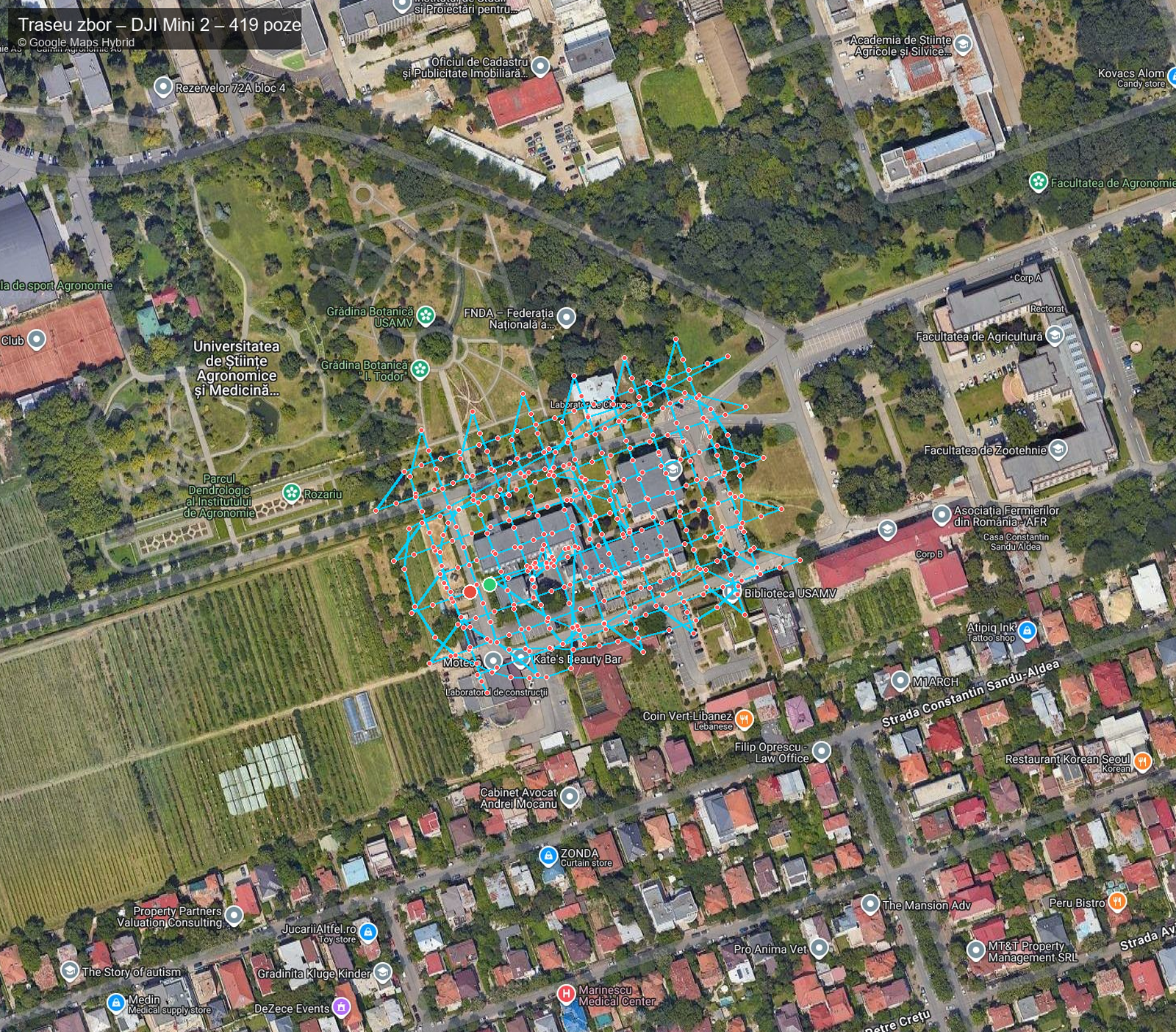
UAV Flight DJI Mini 2 — USAMV FIFIM
Aerial photogrammetric mission over the USAMV FIFIM campus. Complete gallery with 419 geo-tagged photos, interactive Google Hybrid map, altitude profile and full statistics. WebODM orthophoto + LiDAR Potree viewer embedded.

prezentari.ugaerial.ro/mini2/
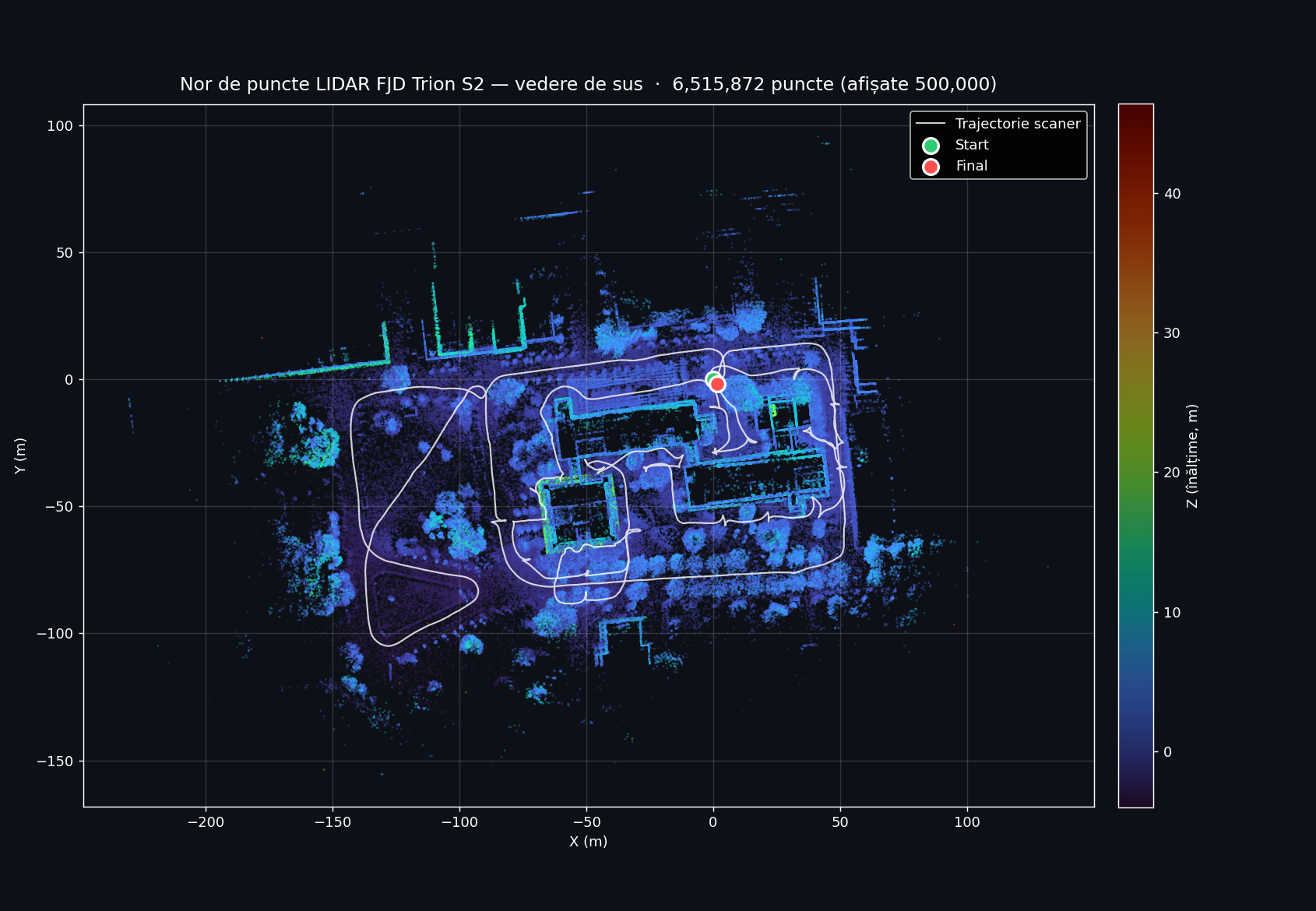
FJD Trion S2 — USAMV FIFIM Campus
Handheld SLAM scan with high-precision LiDAR over the USAMV FIFIM campus. 3D trajectory, 6.5M-point cloud, and live Potree viewer on drone.ugaerial.ro.

prezentari.ugaerial.ro/fjd-s2/
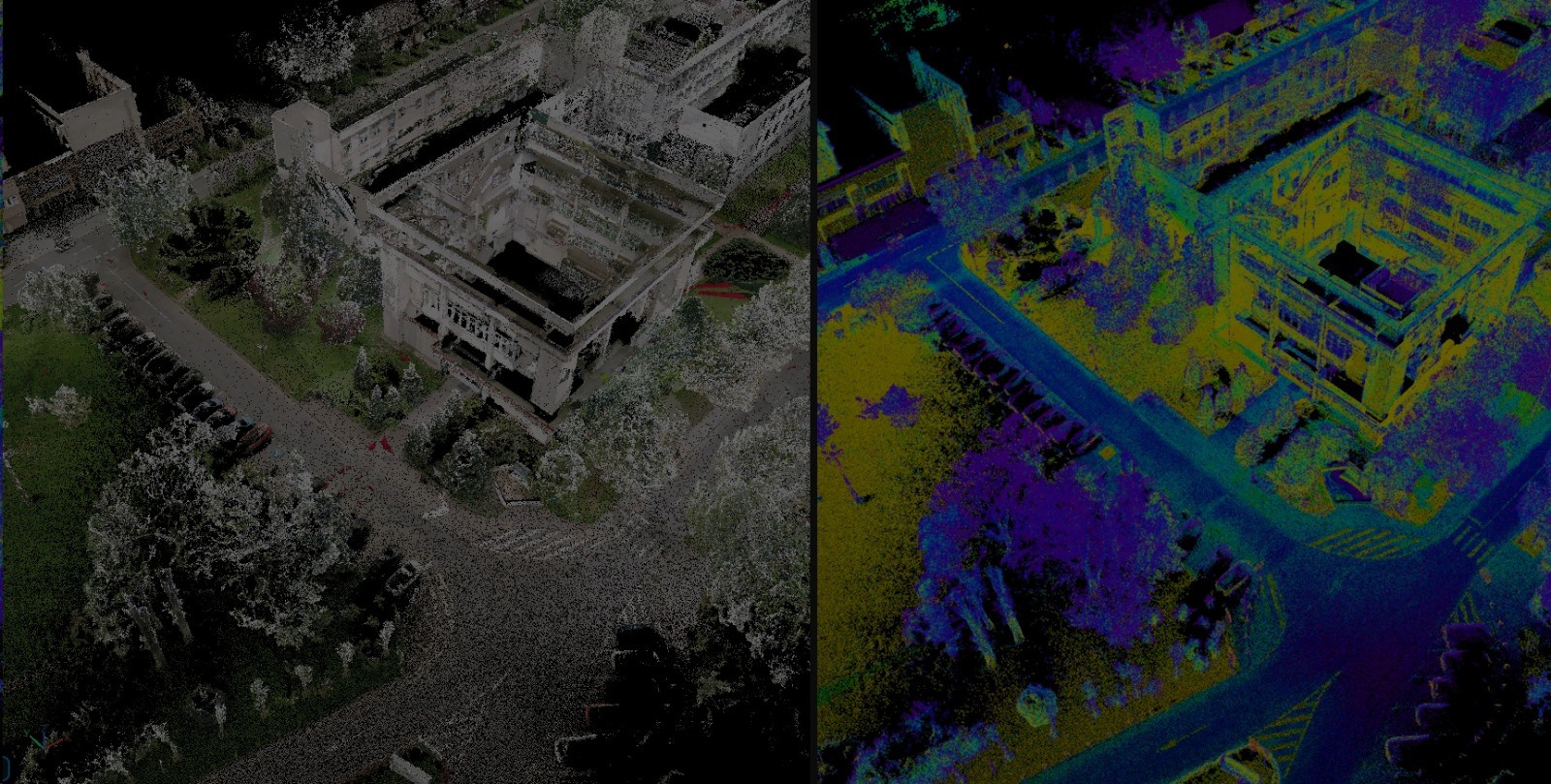
Development of a Digital Twin for the USAMV Bucharest Campus
Live Canva deck — interactive presentation with all slides, native navigation, built-in slideshow mode and fullscreen. Renders identical to the original Canva editor view.

prezentari.ugaerial.ro/canva/
Digital Twin USAMV Bucharest
Integrated study: digital twin development for the USAMV Bucharest campus through multi-sensor fusion (DJI Mini 2 + FJD Trion S2). Comparative analysis with Nordic countries. Accuracy RMS < 3 cm, LOD 200–300.

prezentari.ugaerial.ro/simpozion/
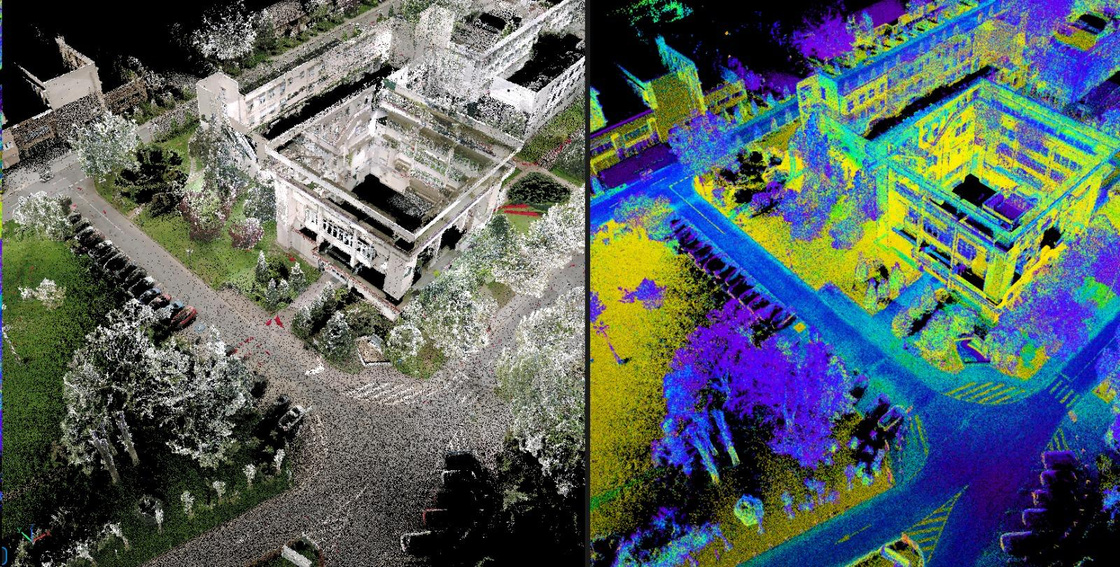
Point cloud showcase — captured by FJD S2 scanner
Two short clips processed from the FJD Trion S2 scan: a quick walkthrough of the dense point cloud, and an automatic classification by elevation and intensity. Both clips loop continuously.
① Short presentation — dense point cloud walkthrough
A quick fly-through of the raw FJD Trion S2 point cloud captured around the FIFIM building. The camera orbits the dense, RGB-colored 3D reconstruction — you can read facade details, doors, and even individual trees. This is the unprocessed output straight after SLAM trajectory optimization and global registration. Duration: 16 seconds · auto-loops.
② Classification by elevation + intensity · with vectorized roads
The same point cloud is processed and automatically classified into semantic layers using elevation (ground vs above-ground vs canopy) and LiDAR intensity (asphalt vs vegetation vs building surfaces). Each class is rendered with a distinct color so ground, low vegetation, and structures are immediately visible.
On top of that, the road network was vectorized — the green polyline following the asphalt is a clean GIS-ready vector extracted from the classified cloud, ready for import into AutoCAD / QGIS / ArcGIS. Duration: 1 m 38 s · auto-loops.
Our best approach — 3D Gaussian Splatting
Beyond the established LiDAR + photogrammetry pipeline, our team also explored a state-of-the-art neural rendering technique: 3D Gaussian Splatting (3DGS). From a small set of input photographs, 3DGS produces a photorealistic, fully navigable 3D scene in the browser — preserving real lighting, textures, and even reflections.
Navigation · Mouse + Keyboard
Side toolbar (inside the viewer)
On mobile: one-finger drag = orbit · two-finger pinch = zoom · two-finger drag = pan.
Complete point cloud — interactive viewer
The full classified LiDAR point cloud captured on 7 February 2026, served via the Potree web viewer. Includes measurement, sectioning, and georeferenced PNG+PGW export tools.
Rate this presentation
No account, no email — just one click. Each device can vote once.
How would you rate this presentation? Click a number from 1 (poor) to 10 (excellent).